
Categories that make sense to you
Group purchases such as food, transport, or other everyday needs. Category breakdowns help you see which parts of your personal spending add up over time.
PERSONAL EXPENSE TRACKER
ExpenSpace gives your daily expenses a dedicated place to live. Record what you spend, organize it as you go, and look back at a clear history without mixing personal purchases with shared costs.
GET IT ONGoogle PlayAvailable on Android.
START WITH THE EVERYDAY
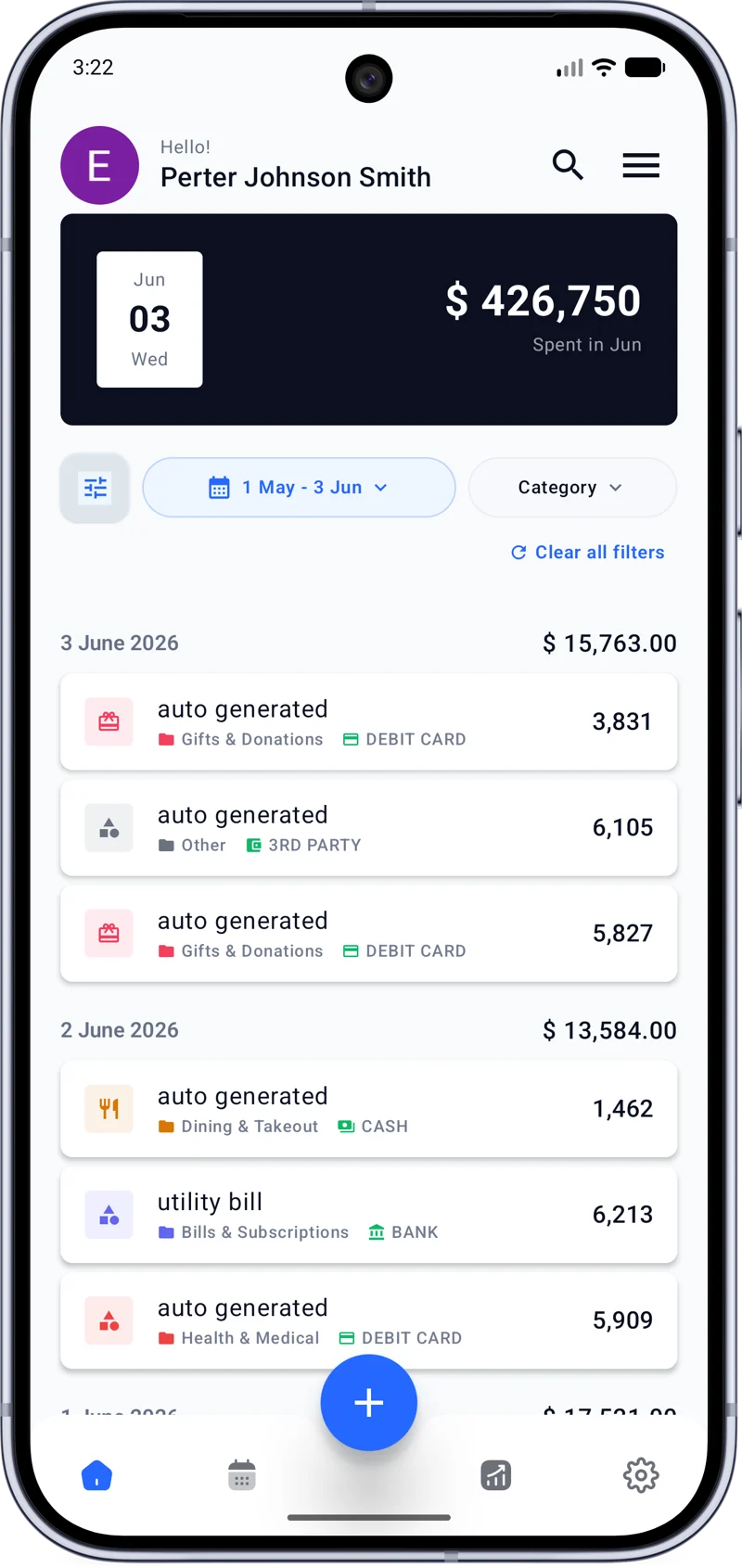
A personal expense tracker helps you record what you spend and revisit those entries later. A coffee, a ride, or a grocery stop can be easy to forget on its own. Together, those daily expenses tell you much more about where your money goes.
In ExpenSpace, you can create a Personal Space for those purchases. Its expenses, categories, payment methods, budget, and history stay together. If you also manage costs with other people, those records can live in different Spaces. You can check your own spending without sorting through a household or trip record first.
YOUR PERSONAL SPACE
Add an expense as part of your day, choose a category and payment method, and build a useful history over time. You can return to individual entries when you need to remember what happened on a particular day.
The point is a dependable record you can keep up with. A few regular entries make it easier to review personal spending than reconstructing purchases from memory later.
Get ExpenSpace on Google PlayORGANIZE AS YOU GO
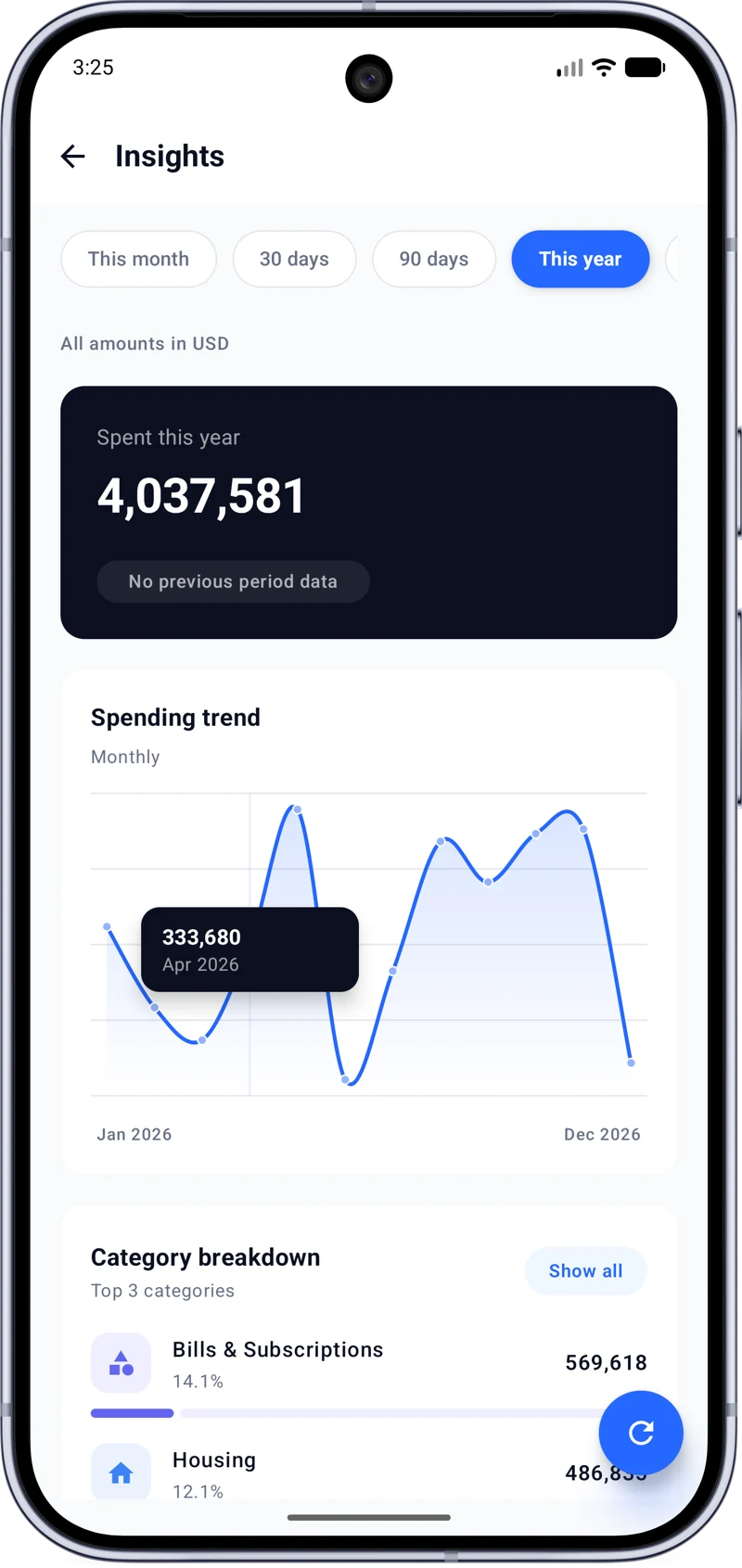
Group purchases such as food, transport, or other everyday needs. Category breakdowns help you see which parts of your personal spending add up over time.
Record the payment method alongside an expense. Keeping cash, card, and other methods visible makes it easier to understand the entries in your history.
Set a budget for your Personal Space if it helps you keep an eye on spending. Your expense record still has value even when you choose to track without a budget.
LOOK BACK WITH CONTEXT
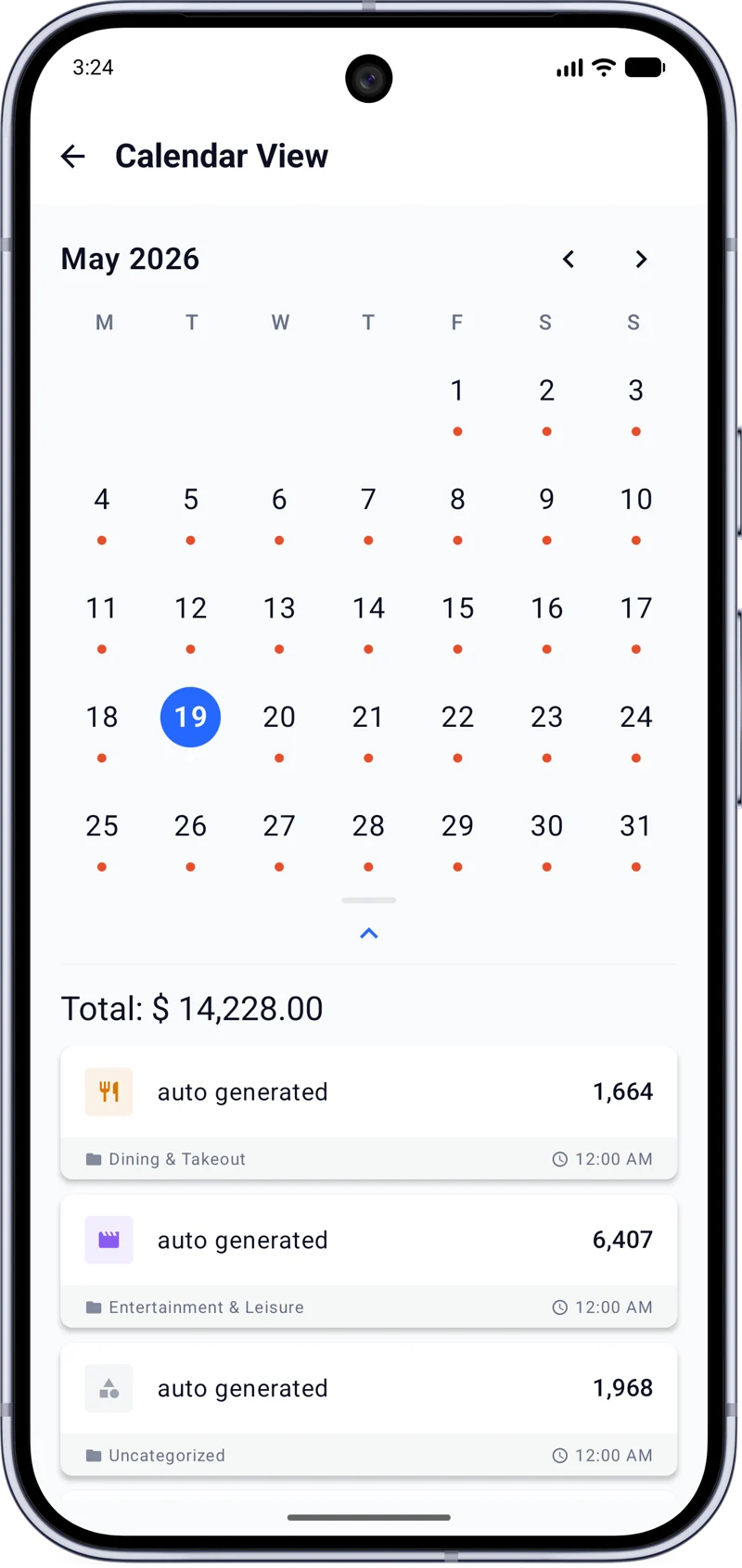
The expense calendar places entries on the days they happened. Browse a month, open a day, and review the expenses behind it. Your expense history keeps those details available when you need a closer look.
When you want the broader view, spending summaries and insights show trends and category breakdowns. They help you notice patterns in your own purchases, from regular small expenses to larger spending days.
A RECORD THAT TRAVELS WITH YOU
Cloud sync keeps your expense records available across supported Android devices when you sign in. Import and export options also let you bring in existing expense data or take your records out when needed.
These tools support a simple habit: enter your personal purchases, then review a record that remains organized by Space, date, category, and payment method.
PERSONAL AND SHARED
Your Personal Space can sit alongside a Household, Trip, or Project Space. Each keeps its own expenses and history, so your everyday purchases remain easy to find while a group can work from its own shared record.
See how shared expense tracking worksCOMMON QUESTIONS
It is a way to record your own purchases and review them over time. ExpenSpace keeps personal expenses together in a dedicated Space with categories, payment methods, history, and spending insights.
Create a Personal Space, add expenses as they happen, and select the relevant category and payment method. You can return to your list or calendar to review the entries later.
Yes. Categories help group your expenses, and ExpenSpace insights show a category breakdown so you can see where spending has gone.
Yes. You can assign payment methods to expenses, including cash and card, to keep that context with each entry.
Use your expense history and calendar to inspect individual entries. Spending summaries and insights show trends and category breakdowns for a wider view.
Yes. A Personal Space keeps its own expense history separate from other Spaces you create for a household, trip, or project.
Yes. You can set a budget for a Space if you want to monitor spending against an amount you choose.
A SPACE FOR EVERY EXPENSE.
Record the expenses that matter and keep the rest of your life organized in separate Spaces.