
Couples
Keep common purchases together while each person can maintain a separate record of personal spending.
SHARED EXPENSE TRACKER
Create a shared Space where the people involved can record and review expenses together. ExpenSpace keeps the group record organized, while your personal spending stays in its own Space.
GET IT ONGoogle PlayAvailable on Android.
ONE SHARED RECORD
Shared expenses are harder to follow when purchases are scattered across messages, notes, and different memories. Groceries, household bills, and group purchases are easier to review when there is one place to record them as they happen.
A shared expense tracker gives the people involved a common record. In ExpenSpace, that record lives in a Space with its own members, expenses, categories, payment methods, budget, and history. You can see the group's spending in context without mixing it into your personal expense list.
HOW A SHARED SPACE WORKS
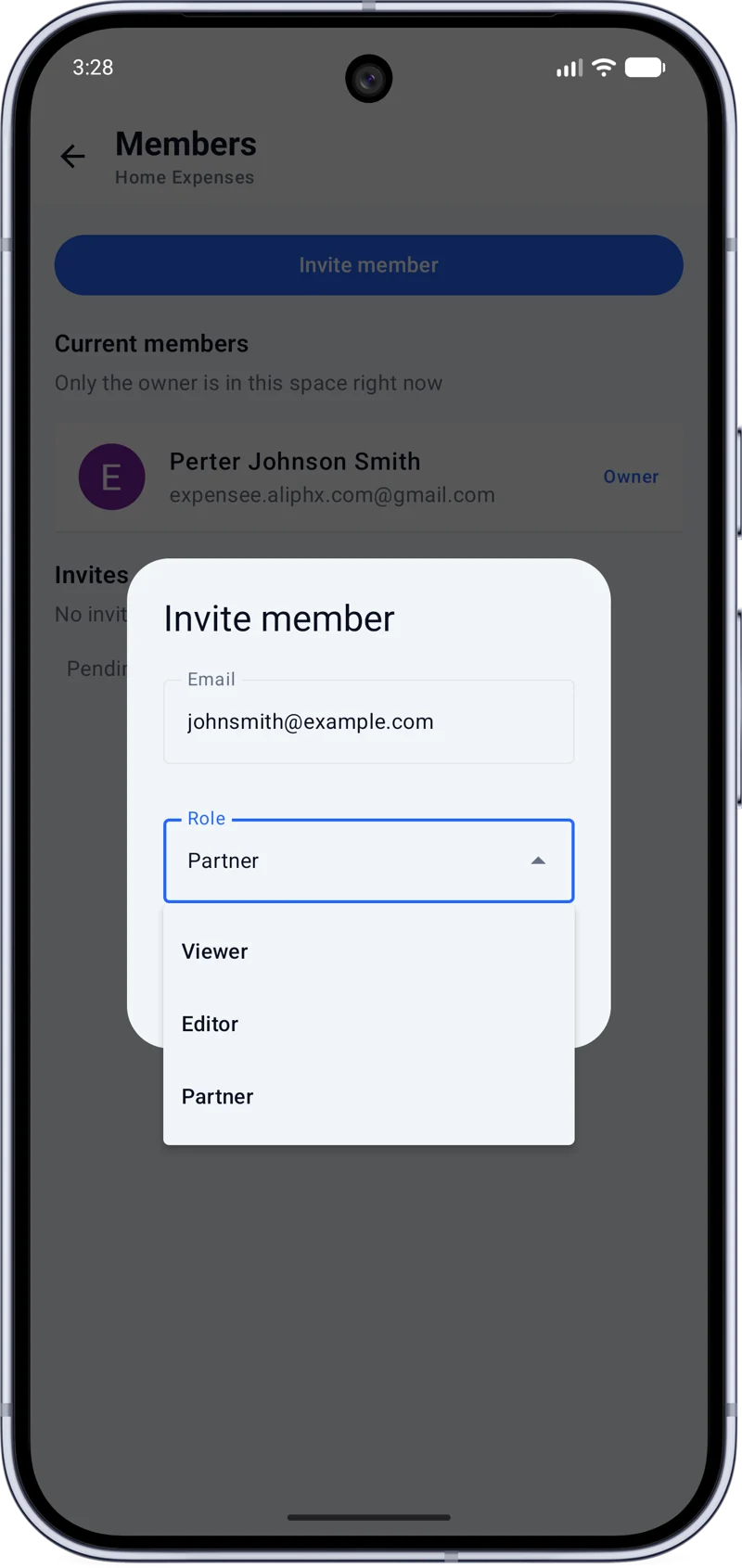
Create a Space for a home, trip, or project, then invite members by email. The app offers viewer, editor, and partner roles, so you can choose how each person takes part. Members can refer to the shared record according to their role.
As expenses are recorded, they belong to that Space. Everyone involved has a common place to look for the purchases and history that matter to the group.
Get ExpenSpace on Google PlayFITS DIFFERENT GROUPS
Keep common purchases together while each person can maintain a separate record of personal spending.
Use a shared Space for groceries, household bills, and the regular costs of life at home.
Record shared home expenses in one history instead of searching through old messages.
Keep travel purchases in a dedicated Trip Space, separate from everyday spending.
Collect the group's project expenses in one Space with a history you can revisit.
ORGANIZED FOR YOUR GROUP
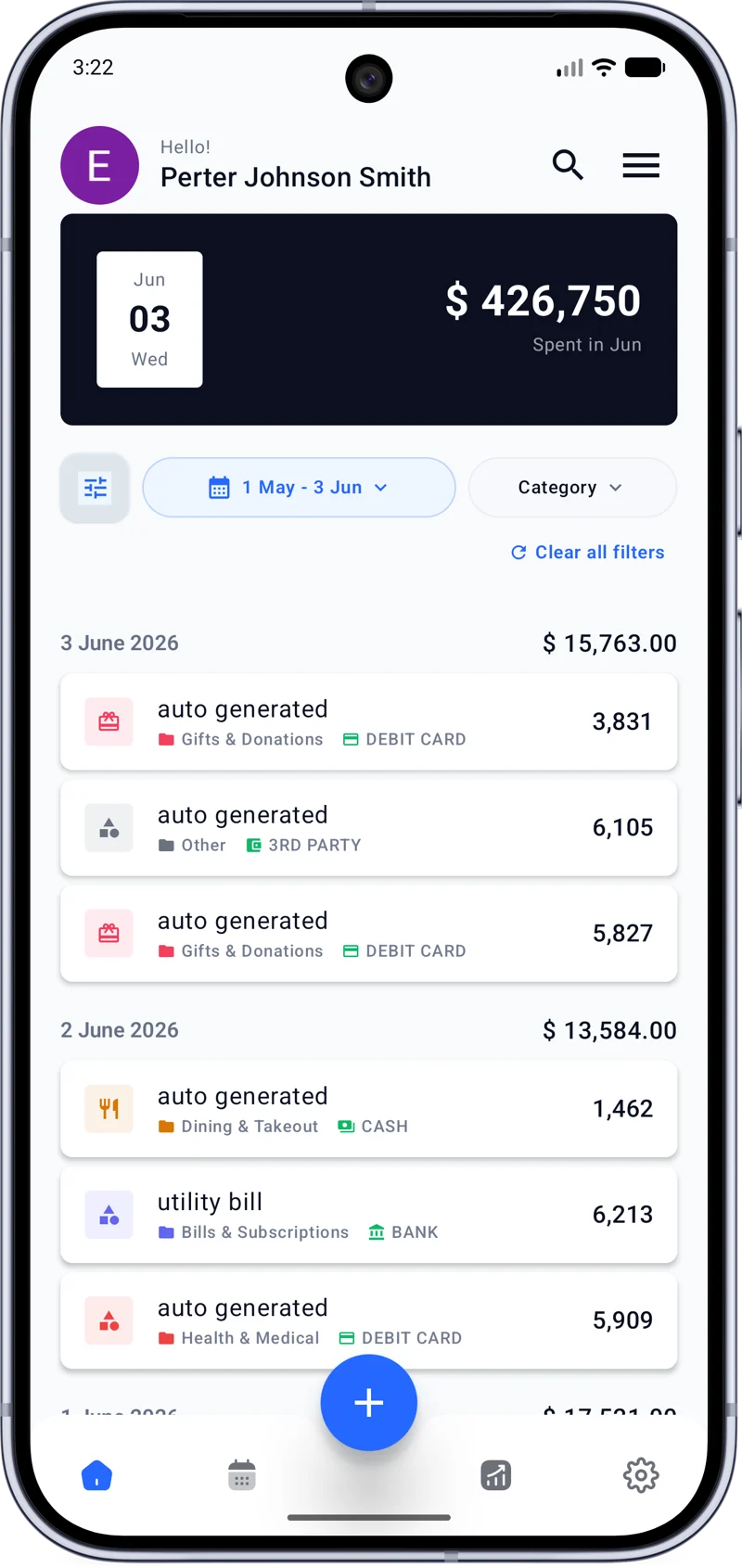
Add shared purchases with a category and payment method. Those details make it easier to browse the Space's history later and understand the kinds of expenses that belong to it.
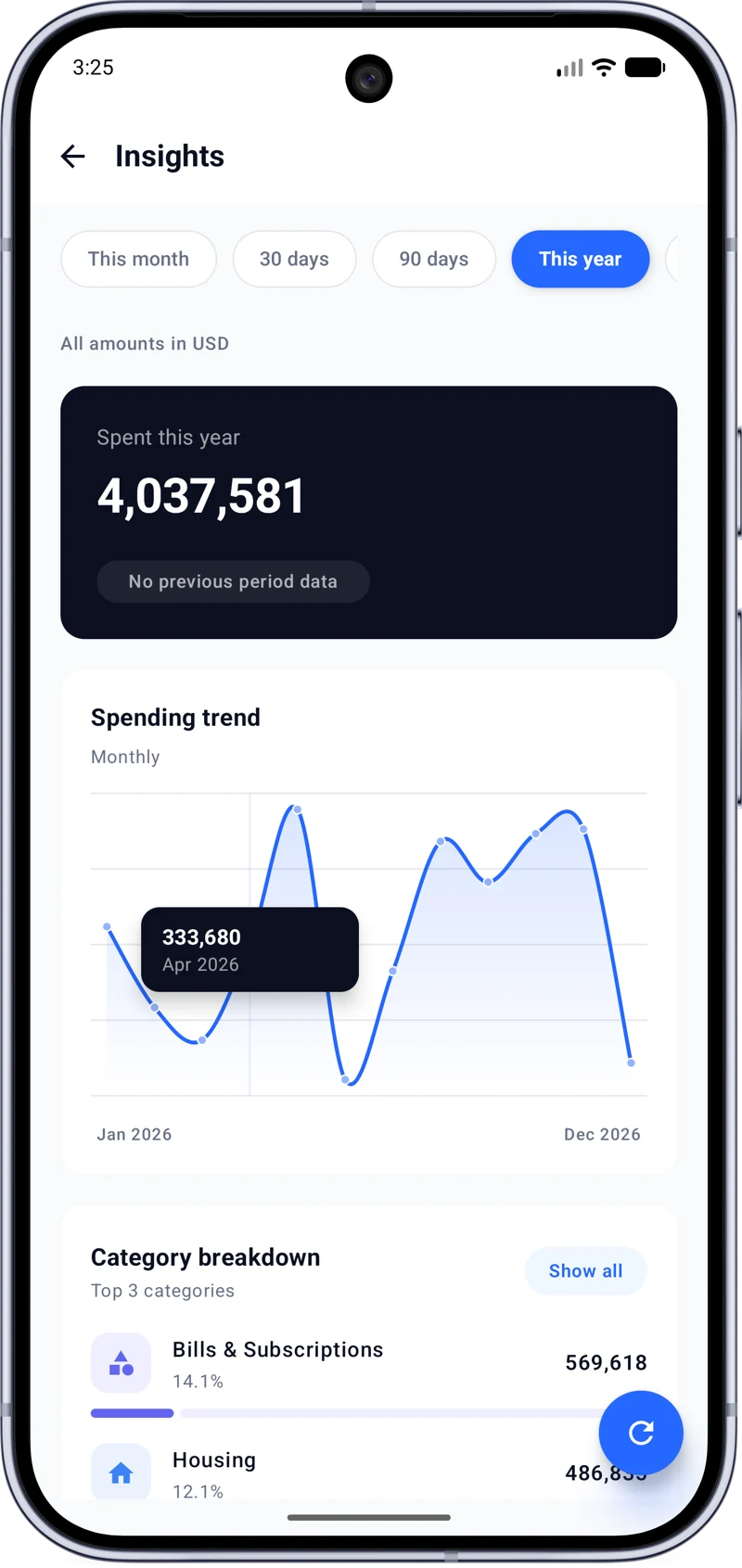
The calendar helps put group spending on a particular day. Expense history keeps the individual records available, and spending insights show category breakdowns and trends for the wider picture.
SPENDING VISIBILITY
A shared budget can help a group follow spending against an amount they choose. The same Space also has its own spending summaries, so members can review how costs are building over time.
Cloud sync keeps the record available as members use the app. Import and export options make it possible to bring existing expense data in or take data out when needed. ExpenSpace focuses on recording and understanding shared expenses; the history remains useful even without a budget.
ROOM FOR BOTH
You can have a Personal Space, Household Space, Trip Space, and Project Space at the same time. Each retains its own expenses, people, categories, payment methods, budget, and history. A shared record stays useful without absorbing purchases that belong to you alone.
Explore personal expense trackingCOMMON QUESTIONS
It is a common record for expenses involving more than one person. In ExpenSpace, a shared Space brings members, purchases, categories, payment methods, and history together.
Create a shared Space for common purchases and invite the other person. Each person can also keep personal purchases in a separate Personal Space.
Roommates can record groceries, bills, and other common purchases in a shared Space. Its expense history keeps those entries together for later review.
Yes. You can invite members by email and choose from viewer, editor, or partner roles to manage how they participate.
Yes. Each Space has its own records. A Personal Space can coexist with Spaces for a household, trip, or project.
Yes. Each Space has its own categories and payment methods, along with its expenses, budget, members, and history.
Yes. Create a dedicated Space for a trip or project and invite the people involved to keep its expenses in one record.
A SPACE FOR EVERY EXPENSE.
Record the expenses that matter and keep the rest of your life organized in separate Spaces.